
Kaddora AI Event Manager – Smart Calendar, Booking & Automation for WordPress🎀
User Documentation:📜
Kaddora AI Event Manager is a powerful WordPress plugin designed to manage events, organizers, bookings, analytics, automation workflows, and AI tools from a centralized dashboard.
This plugin simplifies event management by combining multiple tools into one structured workflow inside WordPress, reducing manual work and improving efficiency.
Table of Contents
- 1. Overview
- 2. Requirements
- 3. Installation
- 4. Dashboard
- 5. Events
- 6. Organizers
- 7. Analytics
- 8. Automation
- 9. AI Tools
- 10. Settings
- 11. Workflow
- 12. Performance
- 13. Troubleshooting
- 14. FAQ
- 15. Support
- 16. Changelog
1. Overview
The plugin provides a centralized system to manage event operations directly from the WordPress dashboard. It combines events, organizers, analytics, automation, and AI tools into one interface.
2. Requirements
- WordPress 6.0+
- PHP 7.4+
- MySQL 5.6+
- Modern Browser
3. Installation
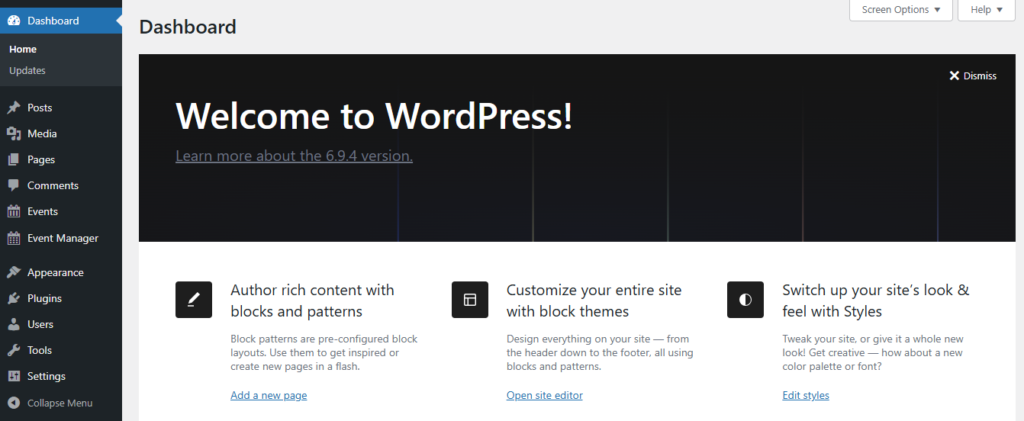
- Go to WordPress Dashboard
- Open Plugins → Add New
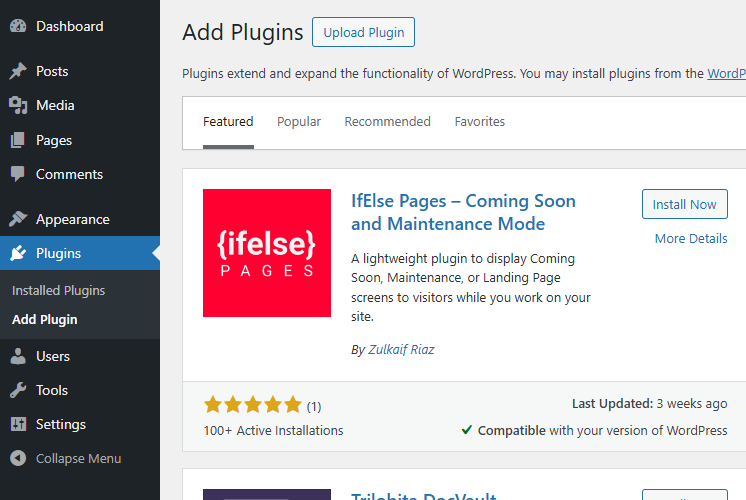
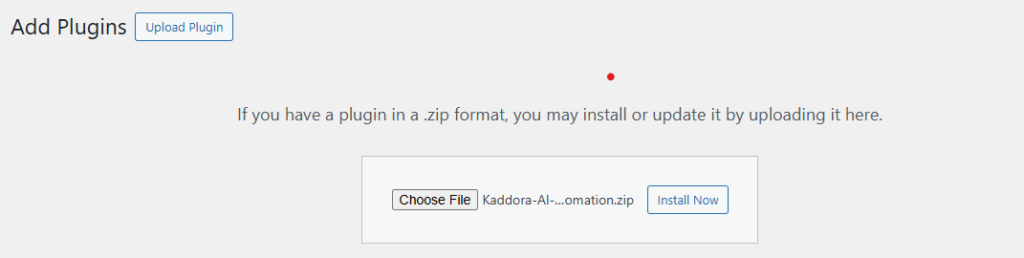
- Click Upload Plugin
- Select ZIP file
- Click Install Now
- Activate Plugin

- Open plugin menu from sidebar
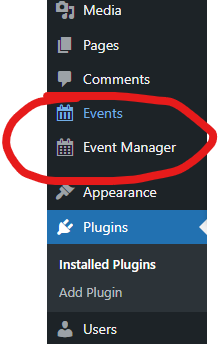
After activation, configure settings before creating events.
4. Dashboard
The Dashboard provides a quick overview of event activity and system performance.
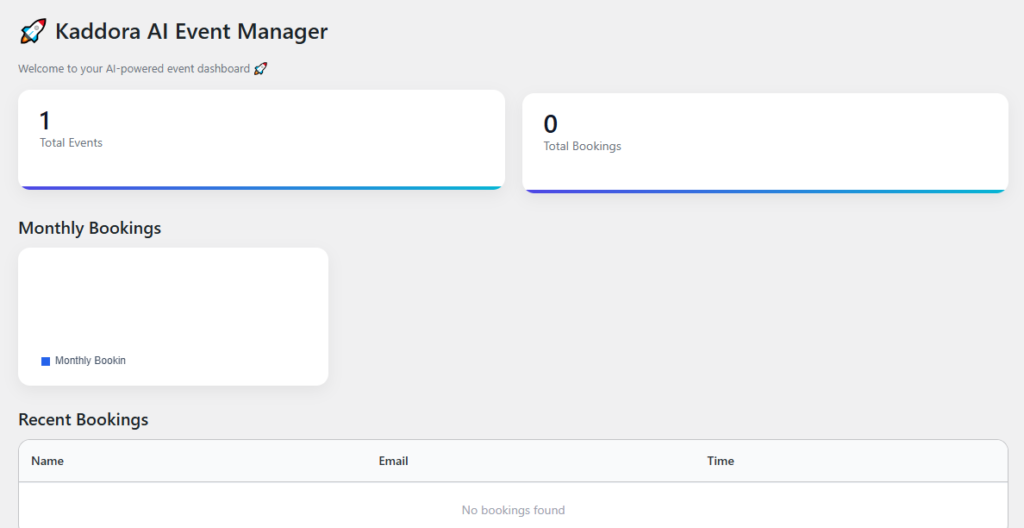
- Total Events
- Active Events
- Pending Events
- Cancelled Events
- Today’s Events
- Recent Activity
5. Events
Manage all event records including creation, editing, and status tracking.
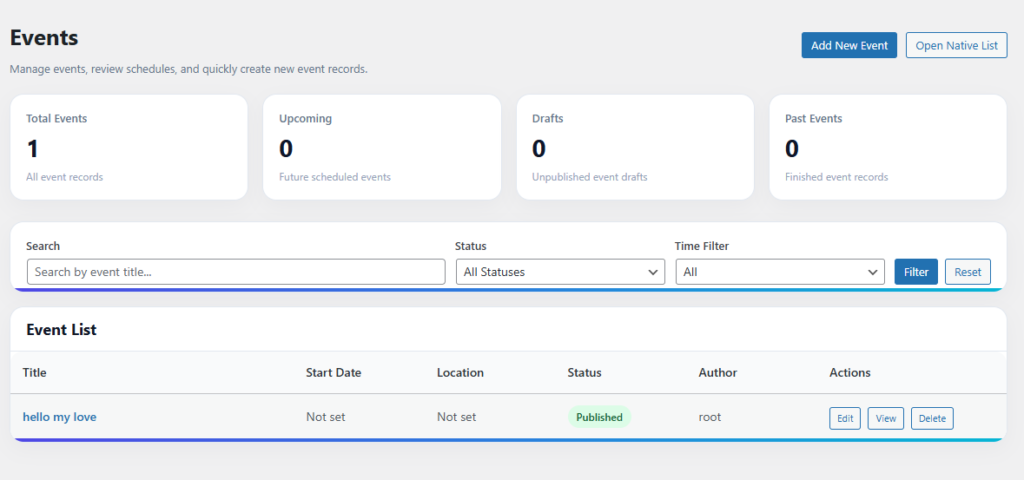
- View Events
- Edit Events
- Publish or Draft
- Status Management
- Date Filtering
6. Organizers
Manage organizers and their assigned events.
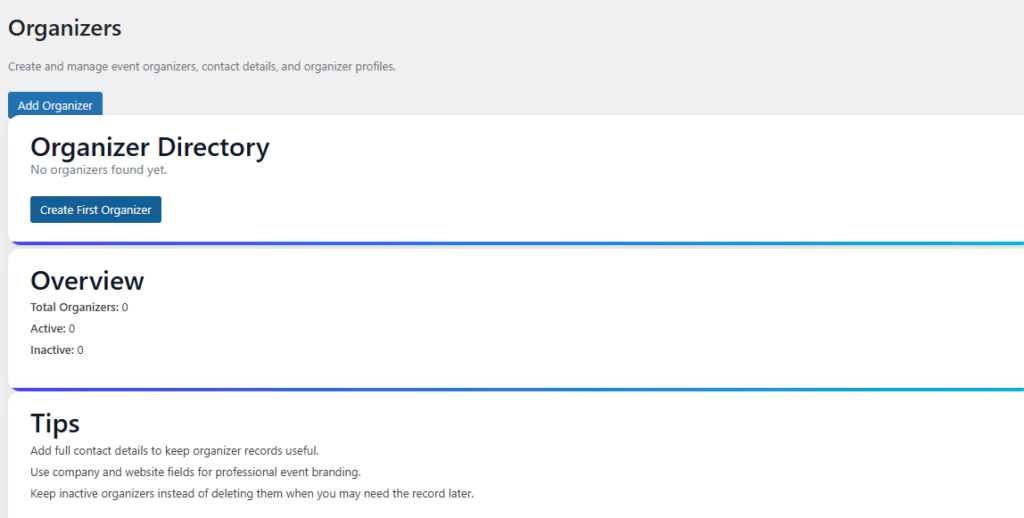
- Organizer Profiles
- Assigned Events
- Contact Details
- Activity Monitoring
7. Analytics
Analyze event performance and system activity.
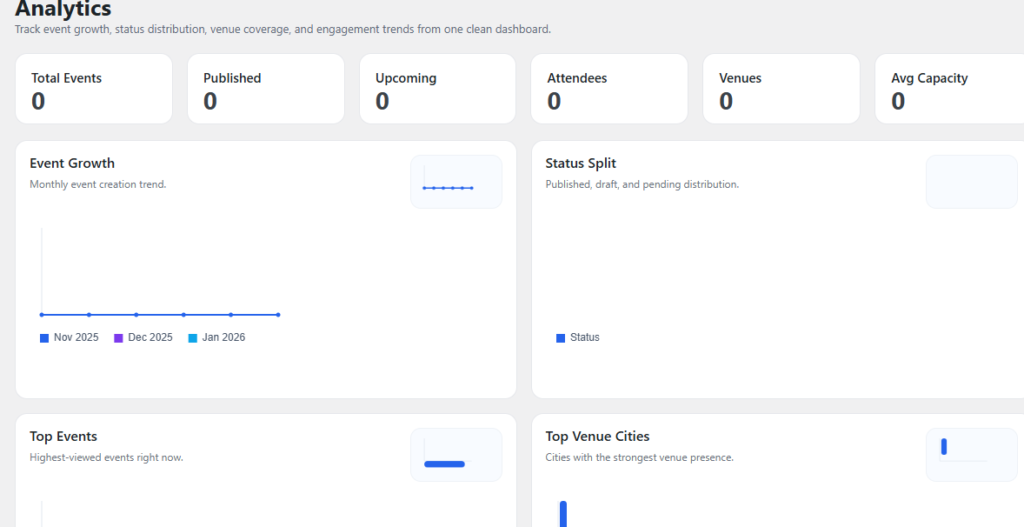
- Event Growth
- Top Events
- Status Split
- Venue Insights
- Recent Events
8. Automation
Automate repetitive event tasks to improve workflow efficiency.
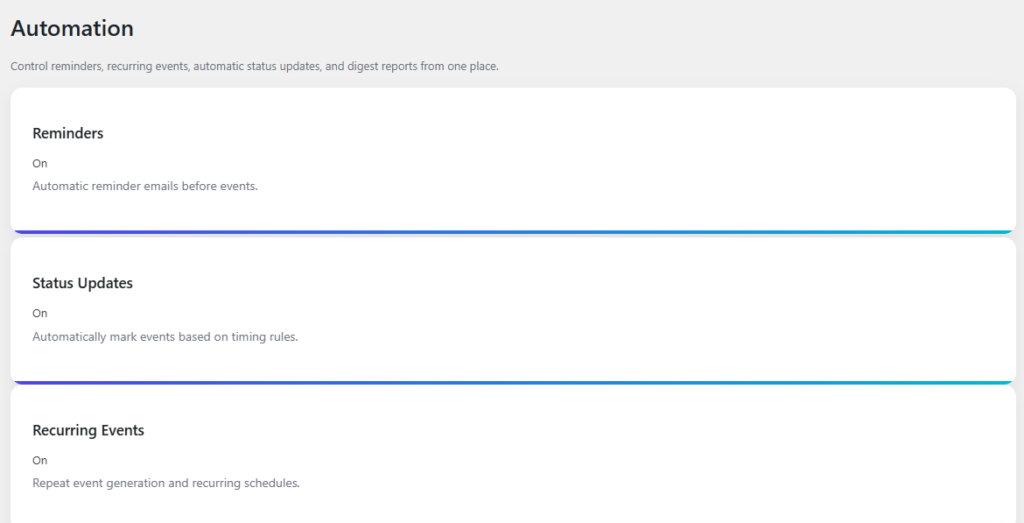
- Auto Status Updates
- Reminders
- Workflow Automation
- Follow-up Actions
9. AI Tools
Use AI features to improve productivity and content generation.
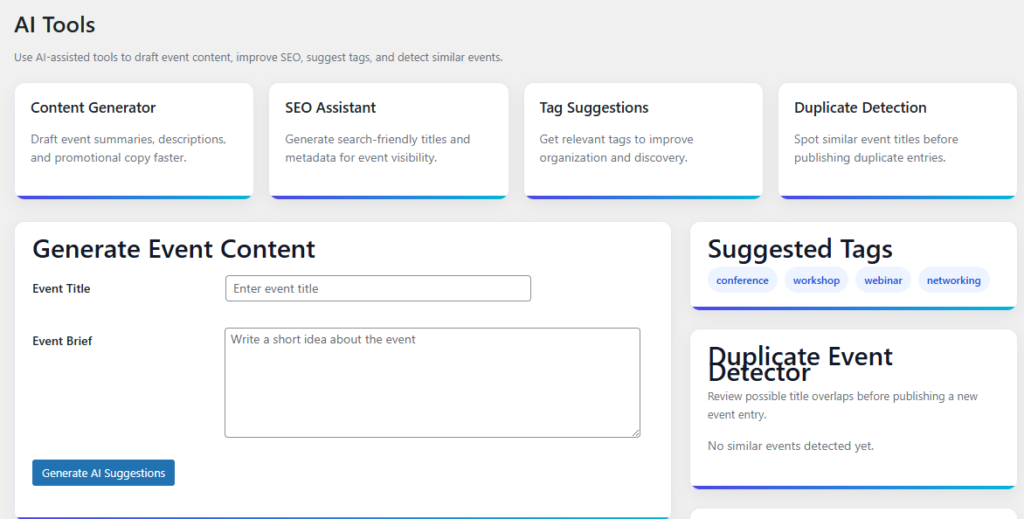
- Content Generation
- Duplicate Detection
- Smart Suggestions
- Workflow Assistance
10. Settings
Configure system behavior, time zones, notifications, and preferences.
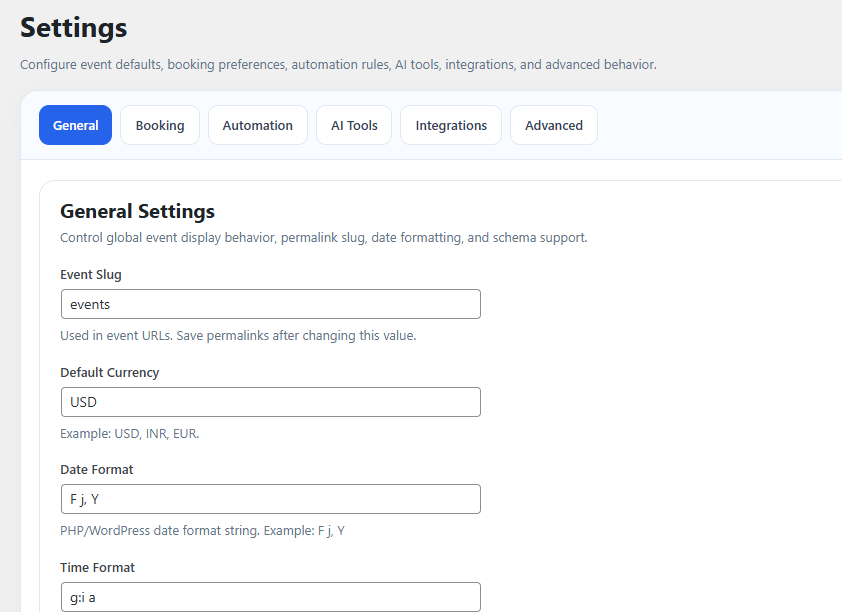
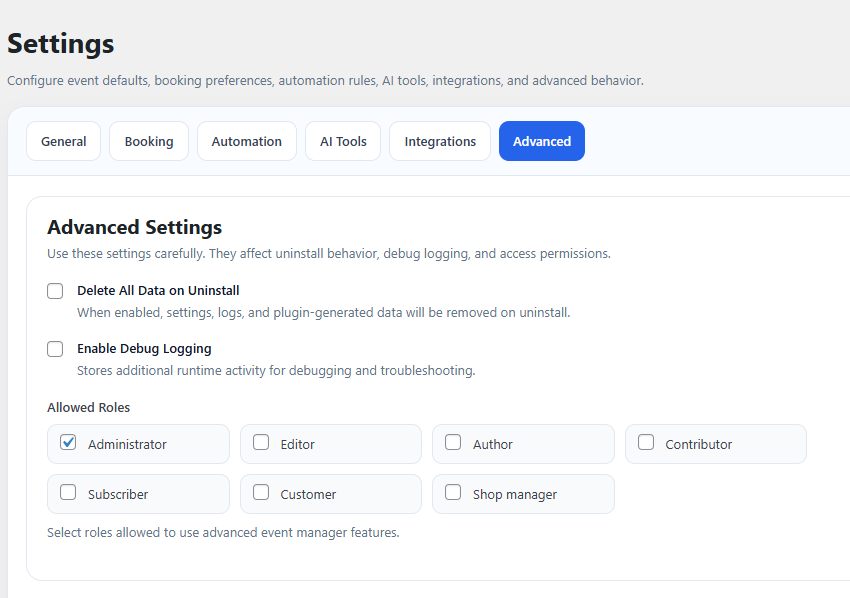
- General Settings
- Time Zone
- Event Rules
- Notifications
11. Workflow
- Install Plugin
- Configure Settings
- Create Events
- Add Organizers
- Use Automation
- Monitor Analytics
12. Performance
- Centralized Workflow
- Faster Management
- Scalable Structure
- Clean UI
13. Troubleshooting
Plugin not visible: Check activation
Events not showing: Check configuration
Dashboard empty: No data available
Time issues: Check time zone
14. FAQ
Q: Can I manage multiple events?
A: Yes
Q: Does it support automation?
A: Yes
15. Support
- WordPress Version
- Plugin Version
- PHP Version
- Error Details
16. Changelog
- Version 1.0.0 – Initial Release
© Kaddora Tech